

Site-wide endpoints
Per-page Markdown
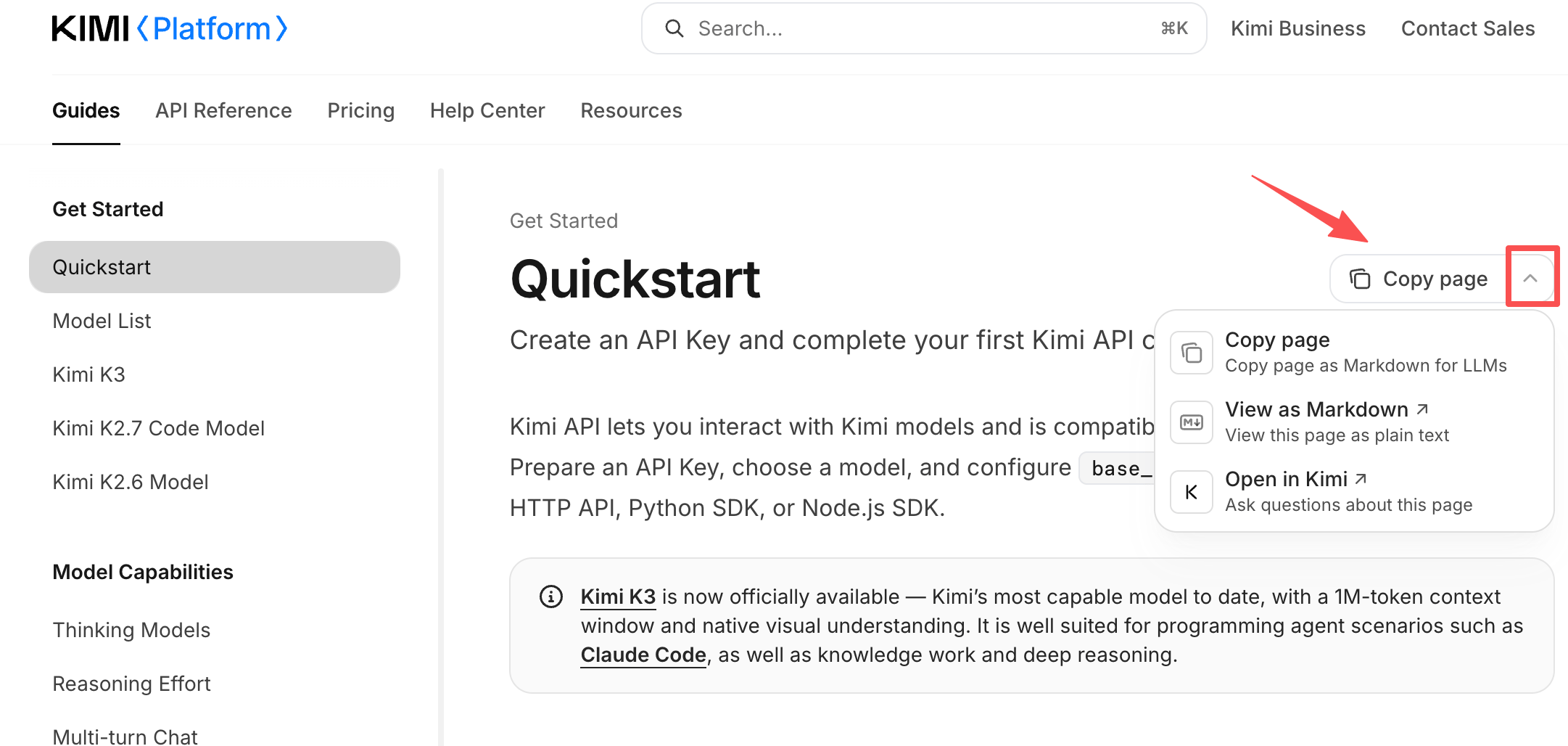
Append.md to any documentation page URL to get that page in Markdown, for example https://platform.kimi.ai/docs/overview.md. The menu at the top right of every page also offers Copy Page (copy this page as Markdown) and an option to open the page in an AI assistant, which works well when you only need specific pages.
Recommended usage
- AI coding assistants (Claude Code, Cursor, and similar tools): add the llms.txt URL to your rules or context file. The model learns the site structure first, then fetches specific pages on demand;
- RAG indexing and enterprise bot knowledge bases: crawl llms-full.txt to obtain the entire site in one pass, split it by page, and build your index;
- API integration and client code generation: use openapi.json directly instead of extracting endpoint details from documentation pages.