kimi-k3 model with its 1M-token context window.
This guide is based on OpenCode 1.18.3. Its interface, configuration options, and supported capabilities may change between versions.
Prerequisites
Complete these prerequisites before you start. Follow the linked official guides for installation and account setup.Install OpenCode
Install or update OpenCode with the official documentation.
Create an API key
Create a Kimi Open Platform API key and keep it private.
Check account settings
Confirm that the account has available balance, then check limits, budgets, and organization settings.
Step 1: Configure the API key
Runopencode auth login and select Moonshot AI in the provider list:
Enter:
Step 2: Select the Kimi K3 model
Runopencode to start OpenCode:
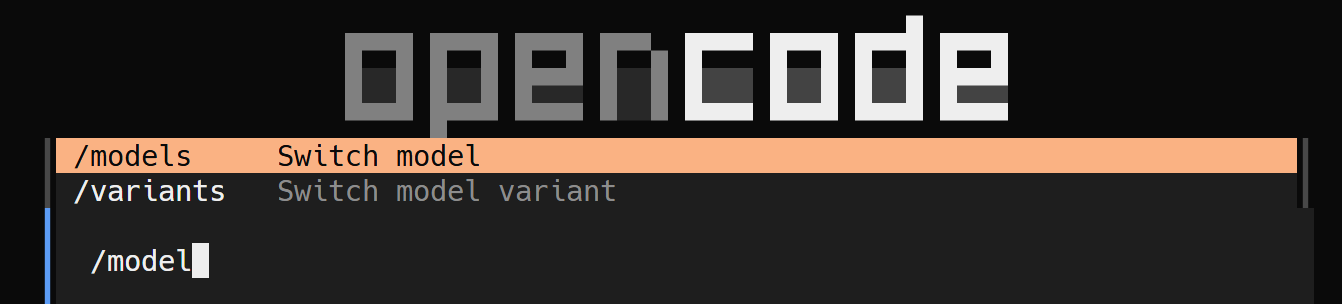
/models command in the input field:

Step 3: Adjust the reasoning effort
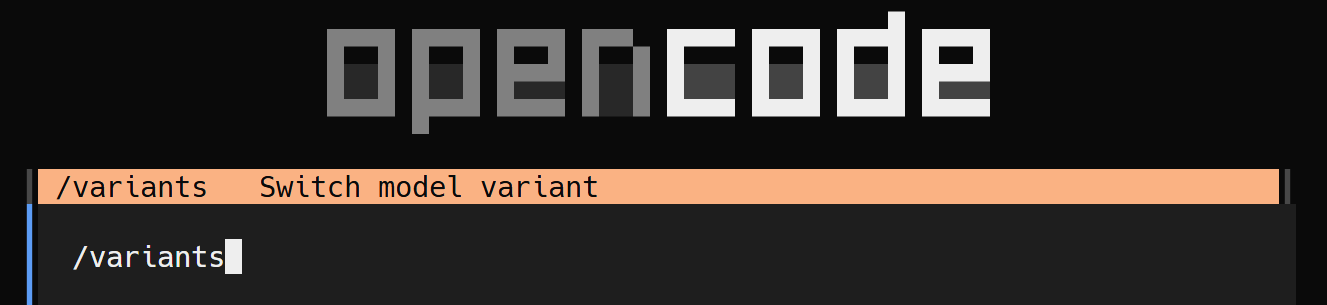
Run the/variants command in the input field:
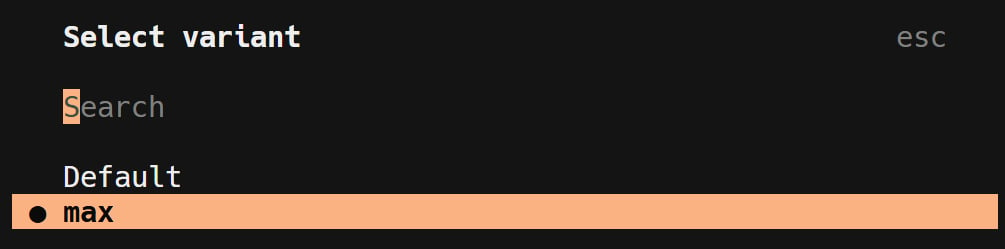
kimi-k3 defaults to max reasoning effort and can also switch to low / high. See the Model Parameter Reference.
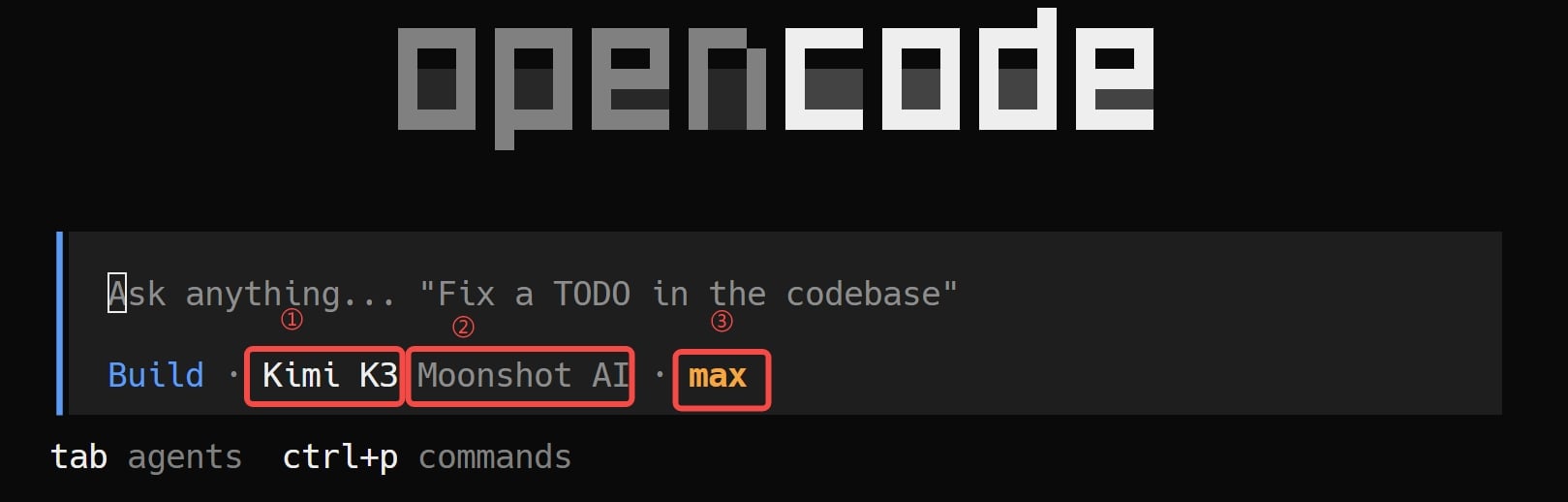
When setup is complete, the status bar should show Kimi K3, Moonshot AI, and max: